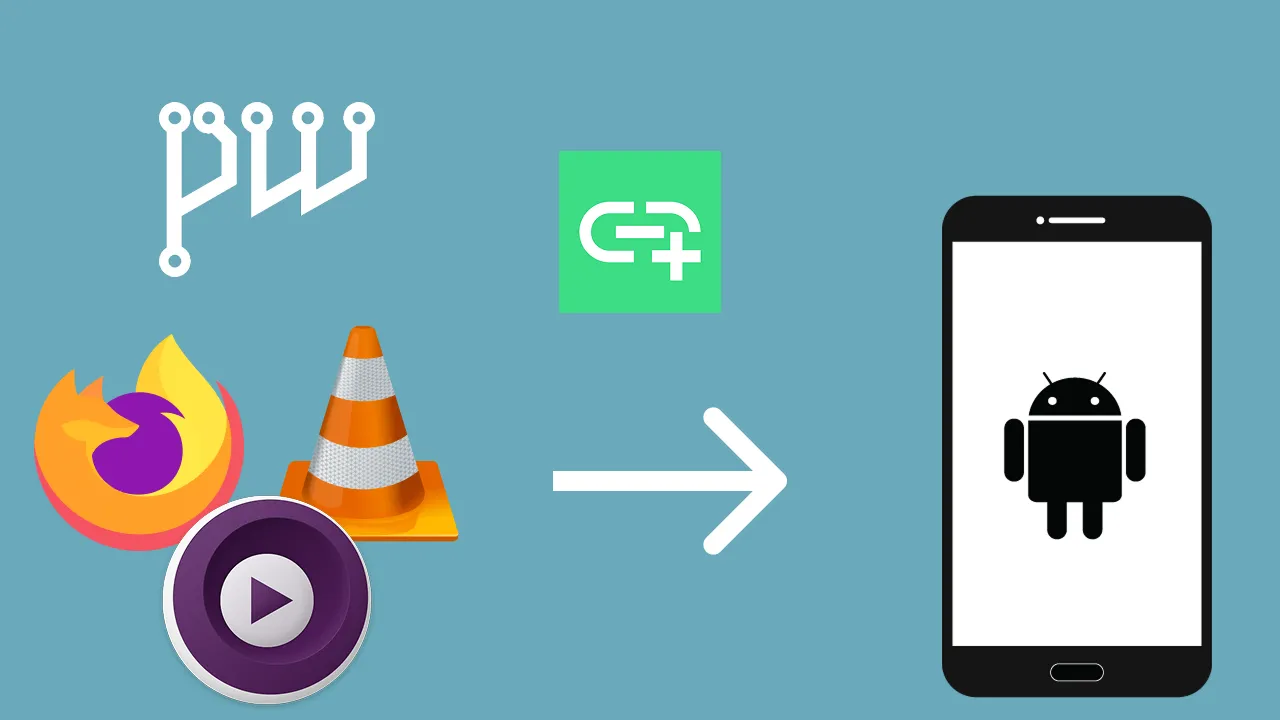
Streaming Audio from Linux to Android A link to the article
By Yurei TZK
Introduction#
I recently faced an issue where I wanted to listen to my Linux machine’s audio on my Android phone. I was surprised that all the information about this online was outdated and was all about messing with some PulseAudio module and connecting to it through some RTP streaming app. Fortunately, there’s a better and newer solution to this and it’s Audio Share.
So, here’s how I made this work for my setup.
Setting Up Audio Share#
Installation#
Download and install Audio Share on both your Linux host (GitHub) and Android phone (available on F-Droid).
Open Firewall ports#
Open the fault Audio Share port 65530 for TCP and UDP protocols using commands like these:
ufw allow 65530/tcp comment 'Audio Share'
ufw allow 65530/udp comment 'Audio Share'
(Optional) Create a Dummy Audio Endpoint#
I use PipeWire as my audio system, so all I have to do is write the file below in ~/.config/pipewire/pipewire.conf.d/audio-share-sink.conf and restart PipeWire.
context.objects = [
    {   factory = adapter
        args = {
           factory.name     = support.null-audio-sink
           node.name        = "Audio Share Sink"
           media.class      = Audio/Sink
           object.linger    = true
           audio.position   = [ FL FR ]
           priority.session = 1009
           priority.driver  = 1009
           monitor.channel-volumes = true
           monitor.passthrough = true
        }
    }
]
Run the Audio Share Server#
First, ensure Audio Share is running on the desired endpoint.
as-cmd -lNow you can run the server on this endpoint by specifying its id.
as-cmd -b -e [endpoint id]Connecting your phone to the Server#
Ensure that both devices are in the same network, and input your PC’s IP address into the Android app. You will see log messages appear in the server console when your device connects.
Conclusion#
I’m genuinely surprised I hadn’t discovered Audio Share before. After playing with it, I also discovered some alternatives like Audio Sharing, but I still prefer Audio Share, because it seems to be more straightforward and easier to use.